BY HOW TO POWER BI · 900K+ SUBSCRIBERS

PL - 300 Certification

Knowledge Check

Answer the questions and get your gap analysis!     

>3H+ FREE COURSE

Not the score
you've expected?

Start learning for free!

Watch the 3+ hours, full section, completely free.
Create a free account. No credit card required.
Click Here to Start a New Power BI Journey

>THE TRUTH ABOUT PL 300 EXAM

Building reports ≠
Passing PL-300

The exam tests a full-circle view of Power BI that most analysts never touch in daily work.
Here's where experienced people get caught out:

01 - MOST COMMON

The modelling blind spot

The exam tests star schemas, relationship ambiguity, and RLS - things most tutorials only touch on.

02 - SECOND MOST COMMON

Power BI Service is ignored

25% of the exam is about deployment, workspaces, and governance. Analysts who only work in Desktop are unprepared for a quarter of the questions.

03 - SURPRISES EVERYONE

Scenario questions, not recall

The exam doesn't ask "what is CALCULATE?" It asks "given this scenario, which approach is correct?" - a different skill requiring applied practice.

04 - OFTEN OVERLOOKED

Query folding & performance

Performance optimization - query folding, aggregations, incremental refresh - appears in almost every exam sitting. Most self-study guides barely mention it.


>INSTRUCTOR

Hi, I'm Bas
15 years of real projects behind every lesson.

I started as a consultant in 2011, when I saw how many people working with data every day lacked the right skills. So I built a business to teach tools like Power BI and help people ship reporting that actually works. In 2020 I committed to sharing those lessons globally.

Today over a million people follow my work, and hundreds of companies have trusted this methodology. I've condensed my biggest learnings into this program. If you want to shortcut your own learning curve, you're in the right place.
900k+
YOUTUBE SUBS
1.2M+
TOTAL COMMUNITY
15yr+
ENTERPRISE BI

> DEVELOP FURTHER

Passing PL 300 is not your aim?
Want to learn more?

Explore our Power BI training that takes
experienced developers to a completely
new Power BI level. 

Write your awesome label here.

>LEARN WITH ME

Trainings

Power BI
Data Analyst
End-to-End (+ PL 300)

Power BI
Design Transformation
in the Age of AI

Power BI
User-Defined Functions
(UDFs)

>EXPERT INSIGHTS 

Consulting Projects 

Power BI

AI

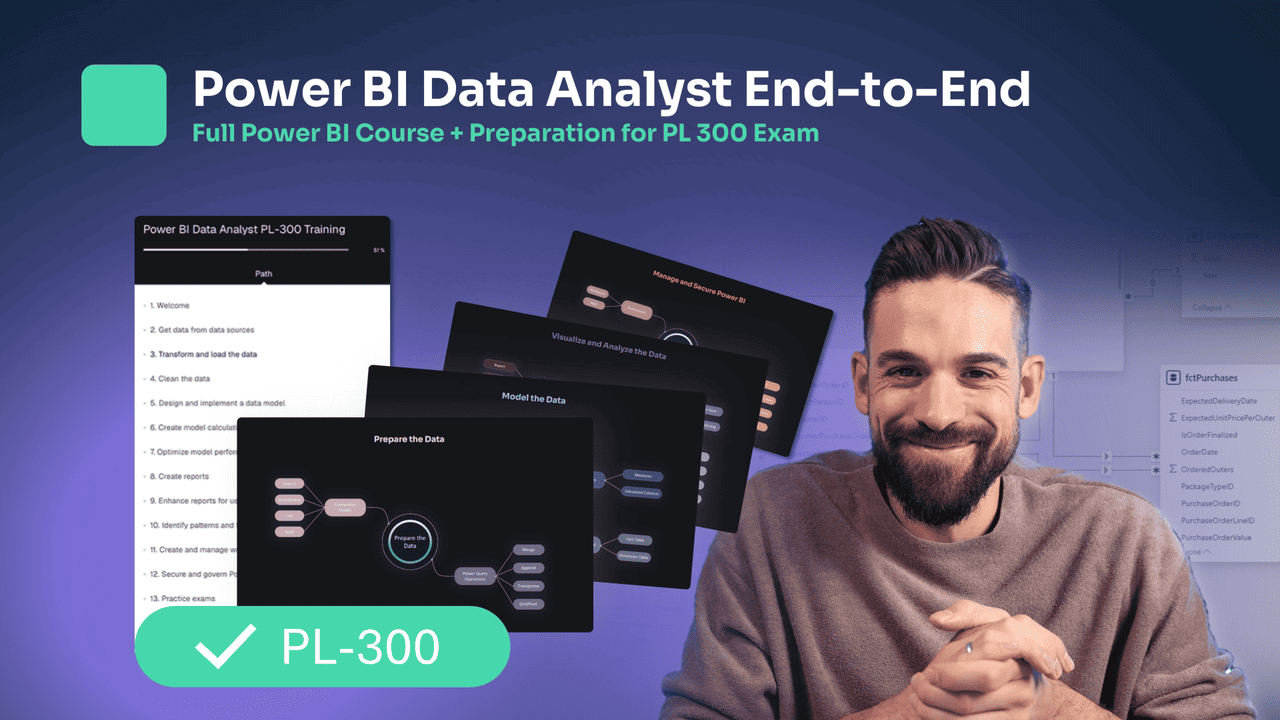
Power BI PL 300

Roadmap

PART 1
PREPARE THE DATA (25–30%) 

 Get or connect to data
Identify and connect to data sources or a shared semantic model
Change data source settings, including credentials and privacy levels
Choose between Direct Query and Import
Create and modify parameters
Profile and clean the data
Evaluate data, including data statistics and column properties
Resolve inconsistencies, unexpected or null values, and data quality issues
Resolve data import errors
Transform and load the data
Select appropriate column data types
Create and transform columns
Group and aggregate rows
Pivot, unpivot, and transpose data
Convert semi-structured data to a table
Create fact tables and dimension tables
Identify when to use reference or duplicate queries and the resulting impact
Merge and append queries
Identify and create appropriate keys for relationships
Configure data loading for queries

MODULE 2
COLORS AND VISUAL EFFECTS

Get or connect to data
Identify and connect to data sources or a shared semantic model
Change data source settings, including credentials and privacy levels
Choose between Direct Query and Import
Create and modify parameters
Profile and clean the data
Evaluate data, including data statistics and column properties
Resolve inconsistencies, unexpected or null values, and data quality issues
Resolve data import errors
Transform and load the data
Select appropriate column data types
Create and transform columns
Group and aggregate rows
Pivot, unpivot, and transpose data
Convert semi-structured data to a table
Create fact tables and dimension tables
Identify when to use reference or duplicate queries and the resulting impact
Merge and append queries
Identify and create appropriate keys for relationships
Configure data loading for queries

MODULE 3
DYNAMIC ELEMENTS

Dynamic Report Elements Fundamentals I Video Learning
Designer Toolkit   I Video Learning
Turning Built-in Features Into Dynamic Elements I Live Session
Adding Custom Dynamic Elements with DAX I Live Session

MODULE 4
PUTTING IT ALL TOGETHER

Report Design Process I Video Learning
Improving Any Report in 10 Simple Steps I Video Learning
Designing a Report from A to Z: Part 1 I Live Session
Designing a Report from A to Z: Part 2 I Live Session

Our Design Program in your words


|#loved it |
#so much good content#changed my way of thinking | #extremely rich course! | #unique opportunity to see how Bas works

5/5
     

Liked the variety in case studies and loved the advanced features with SVGs. Was impressed by the richness and quality of additional materials that were provided along the course.
This complemented and provided the details that could not be covered during the training. Great way to provide the most value in the least amount of time. Lastly, I liked the pacing and timing of the training. It allowed time to practice and go deeper in certain topics. An extremely rich course! Strongly recommend it.

Robert
Feb 2024

5/5
     

Bas is very approachable and flexible in how he gives this training. There's always room for questions and side-steps based on student interests. He's very good at making this training interesting for people on all levels. 
There's just so much good content in the training that I'll nerd out about for months to come. The ability to access the sessions and materials afterwards is a big plus - I know I can come back to things in the future. 


Lynn
Feb 2024

5/5
     

Program provides insights on both technical and design skill which take my report to another level. Love this program!


Munin
Feb 2024

5/5
     

I liked that the course covered all stages of report preparation. It even included a larger list of topics and tricks than I had anticipated. It's very convenient that the portal has videos with all the explanations, and I'll be able to revisit any topic if necessary. I'm very glad I had the unique opportunity to see how Bas works, ask him questions. It's definitely a leap in professionalism, which is why I took the course.


Ruslan
Feb 2024
Achieve your goals

SIGN UP NOW

Early Bird Deal!

only until 30th November 2024

Waiting list

Dates: May/June
Time zone: EST/CET and AEST / PST
Format: Self paced and/or Live

Thank you!


Questions?

Let us know!